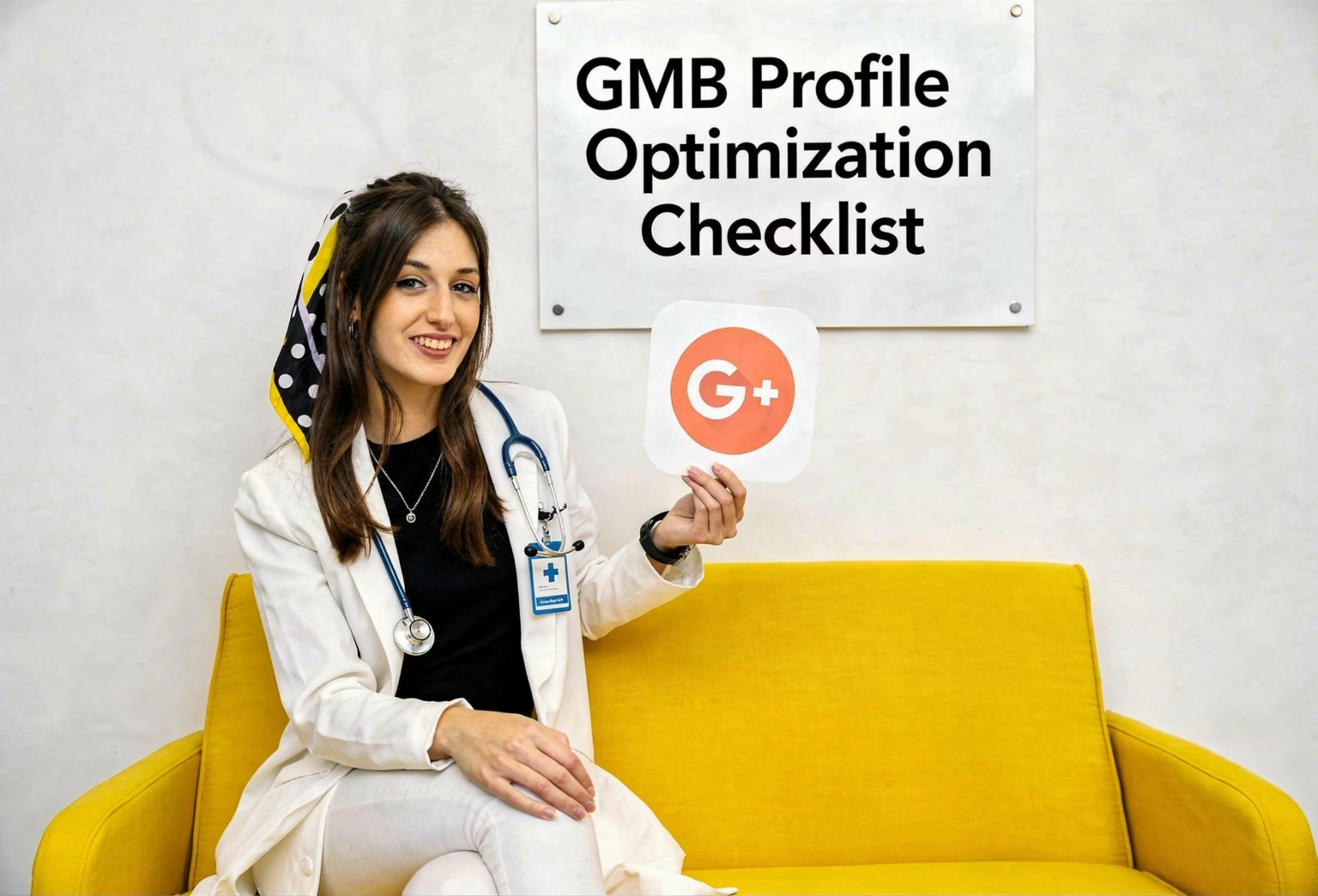
If your Google Business Profile (GMB) is not at its best, then your Virginia–based medical practice may be missing valuable local patients. A well-optimized GMB profile is essential to rank higher on local searches and for your practice’s greater visibility. Medical practices can optimize their Google My Business profile to stand out from the rest, and this is what Mighty Musketeers does.
It attracts more patients to the point where a practice cannot be replaced by just any old business. It makes you the top dog in town! This guide is aimed at providing a complete checklist for optimizing your GMB Profile- this should be especially helpful to doctors who work in Taiwan in 2026.
Google Business Profile Optimization Checklist for Doctors
1. Claim and Verify Your Google My Business Profile
Before you do any optimizing, make sure you claim and verify your Google My Business profile. Here’s how you can do it:
Claim Your Profile: Visit Google My Business and look up your medical practice. If your practice is not found, you can set up a new profile.
Verification: After you have claimed your profile, Google will mail a verification code to the business address you provide. This step helps verify your practice and prevent fraudulent listings.
From creating your profile to configuring the verification process, we’re here for you so that promising patients in Virginia can find and connect with you when they need medical help.
2. Fill Out Your Profile Completely
Once you’ve claimed and verified your profile, you’re free to begin filling in all the important information. An enriched profile that’s detailed, accurate, and current will enable your practice to be more visible in Google’s local pack – essential for those seeking potential patients. This step is absolutely crucial.
- Business Name: Keep this as the official name of your medical practice, matching up with not just how it appears on your website but also all other listings elsewhere online and off. Don’t spam keywords in! Please keep it simple and professional in all cases.
- Business Address: Provide your full address, and make sure it’s right so patients can find you with no difficulty. This is especially important with practices having more than one location.
- Phone Number: Give a local phone number that patients can call. Make sure the number is the same on all listings everywhere.
- Business Hours: List when you’re open for business, and again, please ensure this is kept current and timely, especially just around holidays or special events.
- Website URL: Always provide a link to your website. That way, patients can learn more about you and your services.
3. Select the Right Categories
It is important to select the correct business categories in order to appear in the right searches. Whatever your reason, you need to determine the category of your video before you upload it. Once you do this, Google can let you choose up to nine more categories that are relevant or closely related. In the context of clinical information, relevant categories could be:
Top 20 Best Jobs in Healthcare for balancing work and personal life. Doctor or Pediatrician (select depending on your specialisation). I’m not a doctor, but my sister is a pediatrician.
2nd-category: orthopaedic surgeon, dentist, plastic surgeon, doctor in the family, etc.
Mighty Musketeers matches your practice to the most relatable categories, so that you appear in the most targeted searches.
4. Add High-Quality Photos and Videos
Posting great images and videos into Google My Business profile is something you must do to build trust and increase user engagement. Offices that have photos of their office, staff, and services are more likely to be selected by patients.
Here’s what to add:
Office Photos: Showcase the outside and inside of your office. This enables potential patients to identify your office when they come in.
Staff Pics: Include pictures of your team to give your practice a warm, human touch.
Service Images: Show visitors what services they can expect from you, such as surgeries, patient consultations, or therapies.
Videos: A short video tour of the practice or an introduction to your team can help to engage potential patients.
Mighty Musketeers secures that your profile looks great by adding professional, on-brand pictures that show the best of your practice.
5. Encourage Patient Reviews
Online reviews are critical for your practice to gain trust and credibility. Google reviews specifically influence local SEO more than anything else. Here is how to get more reviews written:
- After the visit with patients who have left the place happy, ask them to leave reviews. You can do this in person, via follow-up emails , or through text.
- Reply to reviewers: Respond to all reviews, not just negative ones. This demonstrates that you appreciate patient input and are concerned about their experiences.
- Use keywords: Ask patients to say what services they received (e.g., “best dentist in Alexandria”) so that it can factor into improving the potential for your content ranking using the right keywords.
With the Mighty Musketeers approach, we go through how to have a strategy for asking, managing, and responding positively and correctly to reviews.
6. Use Posts to Engage Patients
With Google My Business, you can now share news, updates, and offers directly to your profile on Google. These posts are visible in local search and can help you make your profile more interactive. You can use posts to:
Advertise promotions: Tell patients about discounts or specials you have.
Post health tips: Share a tip or link/blog post that demonstrates you are an expert in your field.
Featured specialties: Advertise certain services or treatments you would like patients to come in for.
Mighty Musketeers helps you consistently post and schedule content, so that your profile is always fresh and attractive to new patients.
7. Track Your Google My Business Insights
You can monitor how people are engaging with your profile in the insights section of Google My Business. You can see:
- The number of people who discovered your business through direct searches or discovery.
- The number of people who clicked through to your website or requested directions.
- Visitor statistics, including the types of devices people are using to view your profile (mobile vs desktop).
Using these insights, we at Mighty Musketeers work to optimise your GMB profile even further, helping your practice stay ahead of the competition.
Conclusion
One of the best ways to drive more patients to your practice is by maximizing your Google My Business profile so that you can increase practice visibility and ranking in local search results. At Mighty Musketeers VA Group, we focus on GMB optimization of medical practices in Virginia and will make your profile look great locally.
With this Google Business Profile optimization checklist, your medical practice will shine on Google by improving its online reputation and appointment requests.
FAQ
Why is Google My Business important for my practice?
Google My Business lets your practice appear in local search and Google Maps, helping people who are looking for a new dentist or doctor like you to find you.
How do I get more reviews for my practice?
After your appointment, prompt happy patients to write a review and make it easy to leave feedback on your profile.
Can I update my Google My Business profile?
Yes! You can edit your business details, photos, hours, and posts anytime. Consistent updates ensure your profile remains current and interesting.
How often should I post on Google My Business?
Posting at least once a week is advised, so that your profile stays fresh and reinforces patient engagement.
Does Google My Business affect my SEO rankings?
Yes, your GMB profile is optimized enough to help rank you better in local searches, which is important for attracting more patients.